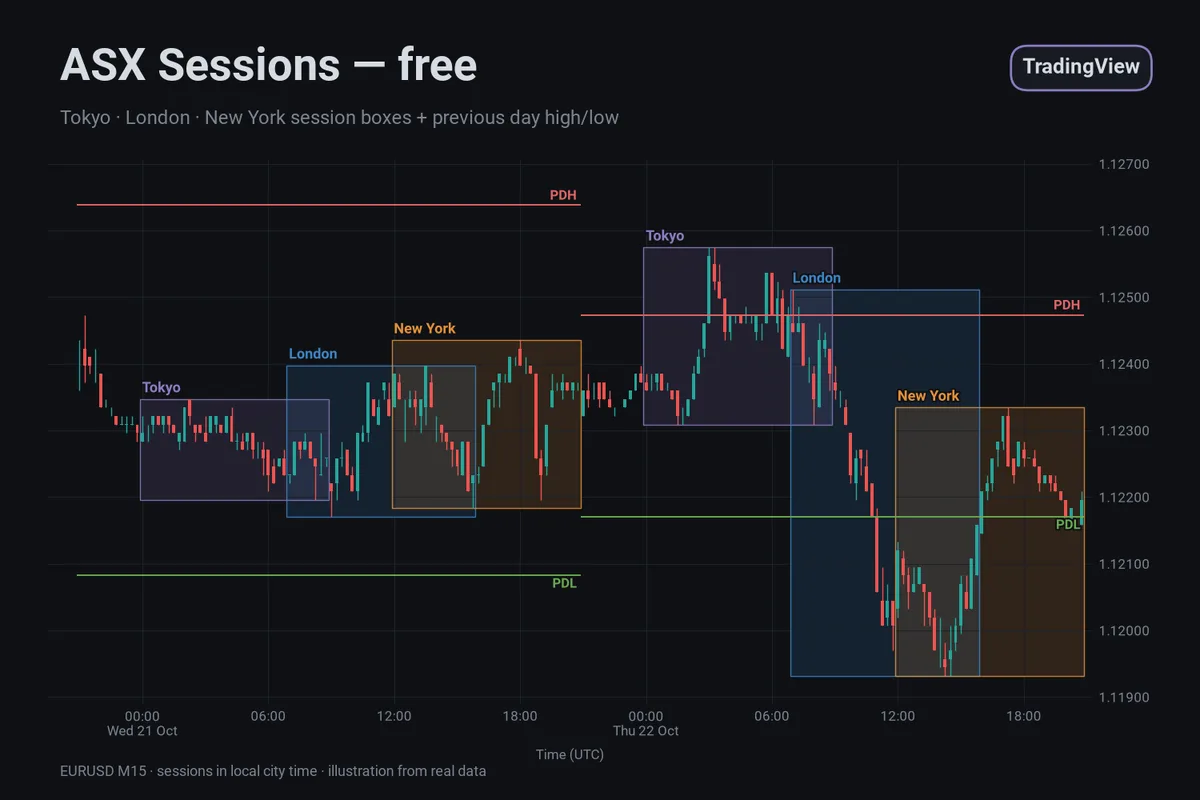
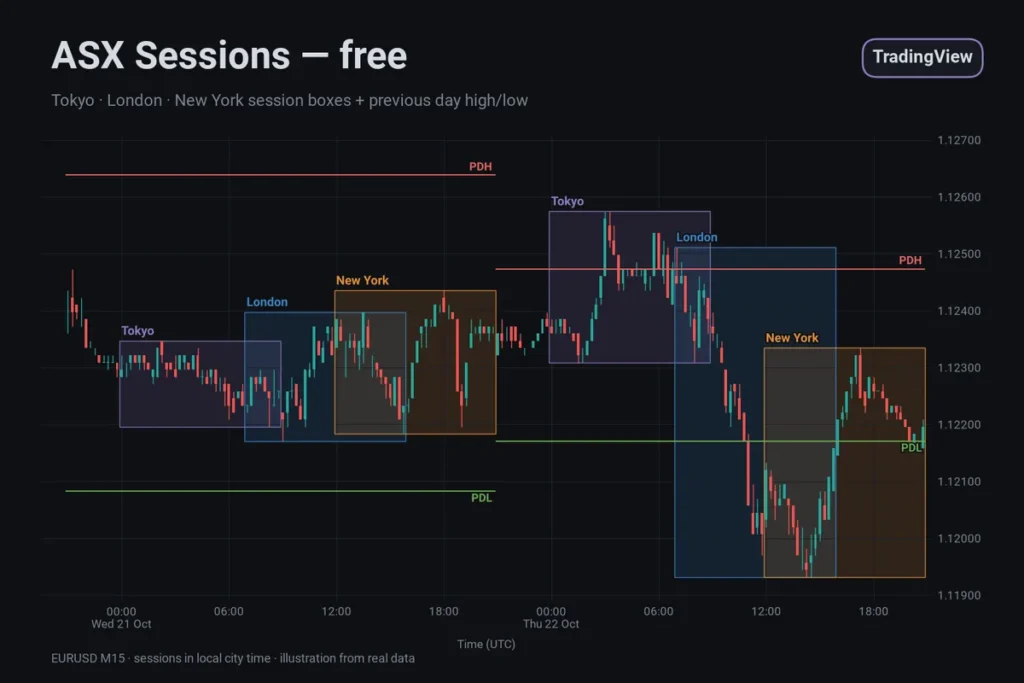
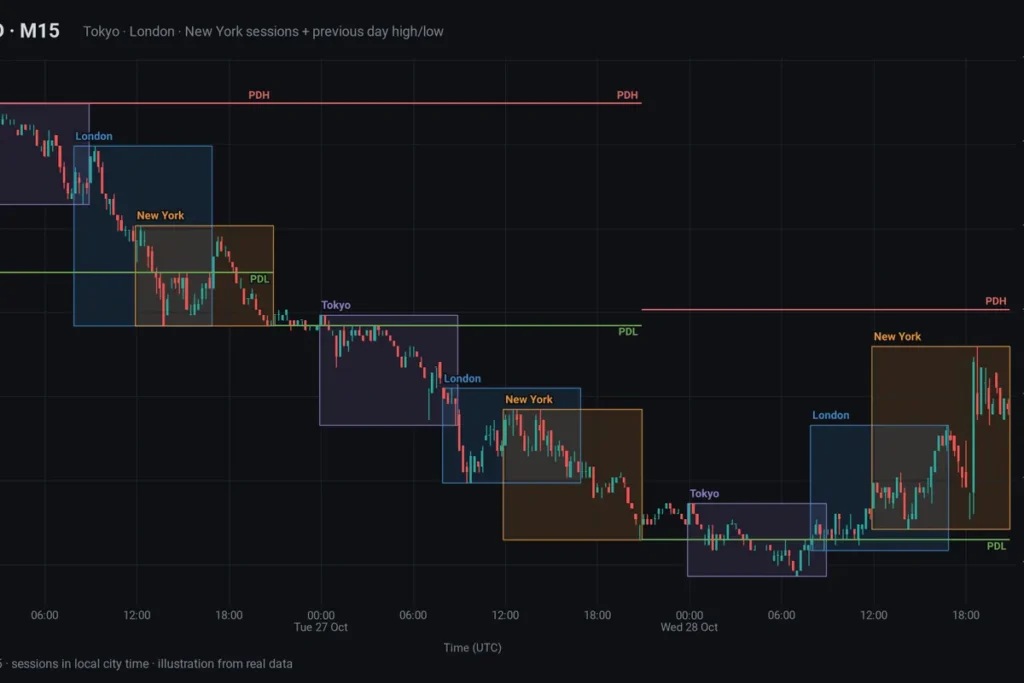
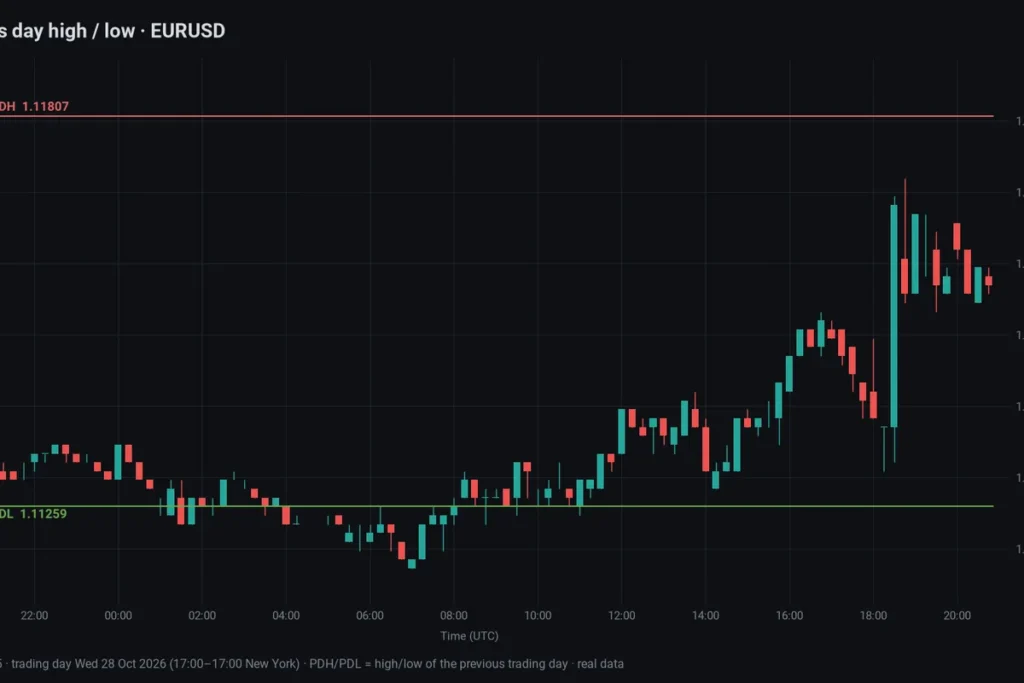
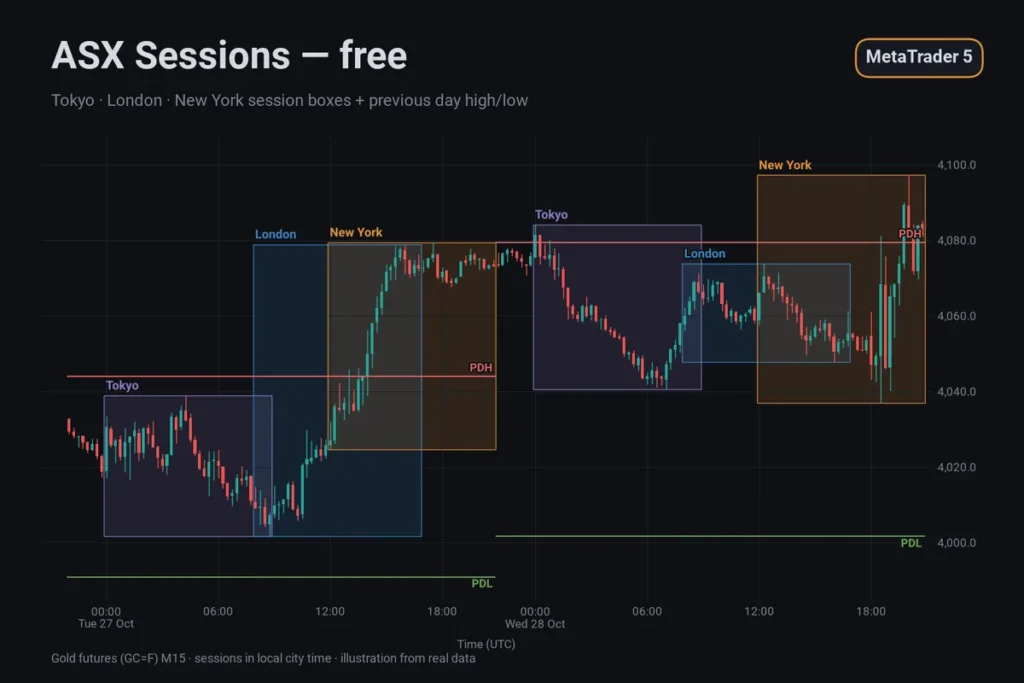
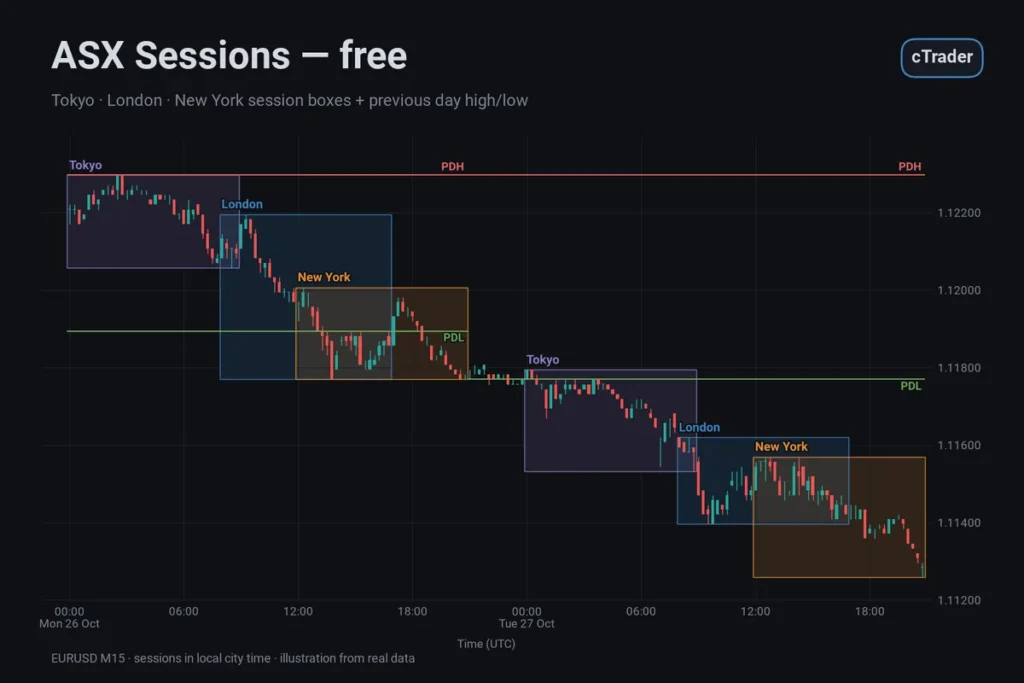
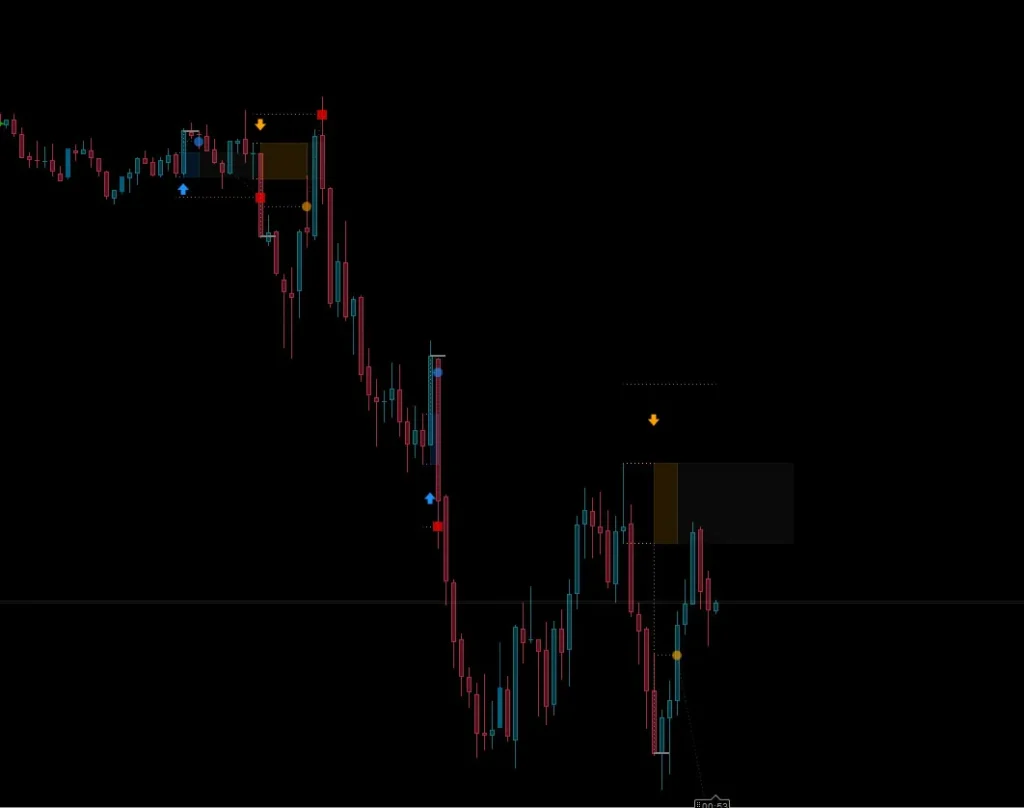
ASX Sessions is a free, open-source Pine Script v6 indicator for TradingView. It draws a box around the Tokyo, London and New York sessions and marks the previous day’s high and low. Session hours are set in each city’s local time, and TradingView’s own time zone data handles daylight saving. It is a charting aid, no signals.
What it does
For each of the last few days, every enabled session gets a box from its start to its end, spanning the highest high and lowest low traded in that window. While a session is running, the box ends at the current bar and grows with it. A small label at the top left names the session. Two lines labelled PDH and PDL show the high and low of the previous completed daily candle across the trading day, so they do not repaint.
Key features
- Three sessions: Tokyo, London and New York, each with its own switch, start and end time.
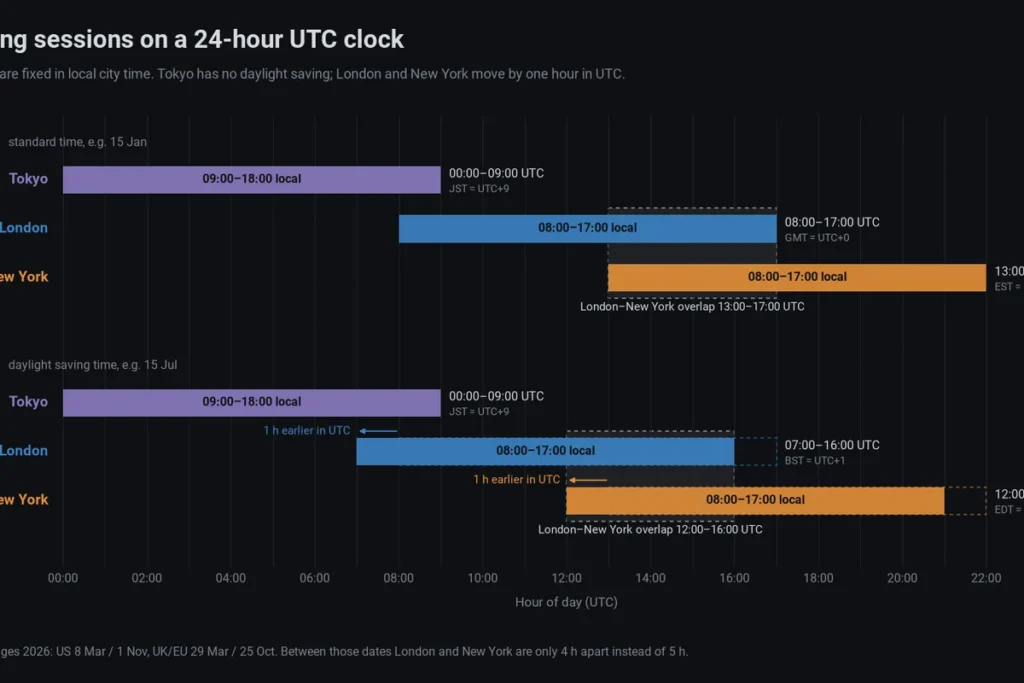
- Native daylight saving: sessions are checked against the IANA time zones Asia/Tokyo, Europe/London and America/New_York, so TradingView applies each city’s clock changes. Your chart’s own time zone setting does not move the boxes.
- Local city hours: start and end as HH:MM in the city’s own time. An end time at or before the start time means the session crosses midnight.
- Previous day high/low: from the symbol’s daily candle, using only the completed previous day.
- Same look as the cTrader and MT5 versions: one set of colours and inputs on all three platforms. TradingView also has its own built-in Trading Sessions indicator; ASX Sessions adds PDH and PDL and matches the other two versions.
- Light on the chart: boxes older than Days are deleted; session boxes are hidden above H1 by default.
Settings and defaults
- Days: 5 (1–30)
- Show Tokyo / Show London / Show New York: on
- Tokyo Start / Tokyo End: 09:00 / 18:00, Tokyo time
- London Start / London End: 08:00 / 17:00, London time
- New York Start / New York End: 08:00 / 17:00, New York time
- Hide Sessions Above H1: on
- Show Midline: off; Box Opacity: 15 %
- Show Previous Day High/Low: on
- Colours: Tokyo violet (#8E7CC3), London blue (#3D85C6), New York orange (#E69138), PDH red (#E06666), PDL green (#6AA84F)
How to use it
- Add it to an intraday chart, M5 to H1, and read each box as “this is where price traded while that city was open”.
- Compare ranges: the Tokyo box against London’s, today’s boxes against the last few days, the current price against PDH and PDL.
- If you define sessions differently, change Start and End. Daylight saving is still applied to your hours.
- UTC session times for winter, summer and the gap weeks are in our guide to forex trading sessions and daylight saving.
Limitations
- PDH and PDL come from TradingView’s daily candle for the symbol, which depends on the exchange or data feed. It can differ from your broker’s day, so levels may not match your trading platform.
- Session hours are conventions; the boxes mark clock windows, not when liquidity actually arrives.
- The box of a running session keeps changing until the session ends.
- The indicator works with clock times only. It has no holiday calendar.
- It describes where price has traded. It does not predict where price will go.
Platform & install
- Platform: TradingView, Pine Script v6
- Type: overlay indicator
- Price: free and open source, no license key, no invite needed
- The download is AsxSessions.pine, the full open source code.
- In TradingView, open the Pine Editor, paste the code, click Save and then Add to chart.
Important notes
ASX Sessions is an analysis tool and does not place trades. Session boxes and previous-day levels show where the market has been; they are not buy or sell signals. Trading leveraged products can lose you money quickly, so test any idea on a demo account first and use your own risk management.